Password Expiration
Desktop · Written guide Content date 1 min read
For security purposes you will be required to reset your Tax Processors Plus Desktop password every six months. Beginning 14 days prior to expiration, upon logging in to the program you will be notified of the impending expiration date:
Illustration
The illustration for this step is not available yet. Follow the written instructions.
Select NO to skip changing the password, or select YES to change the password.
If you don't change your password, at the end of the 14-day period the password will expire and you will be forced to change it:
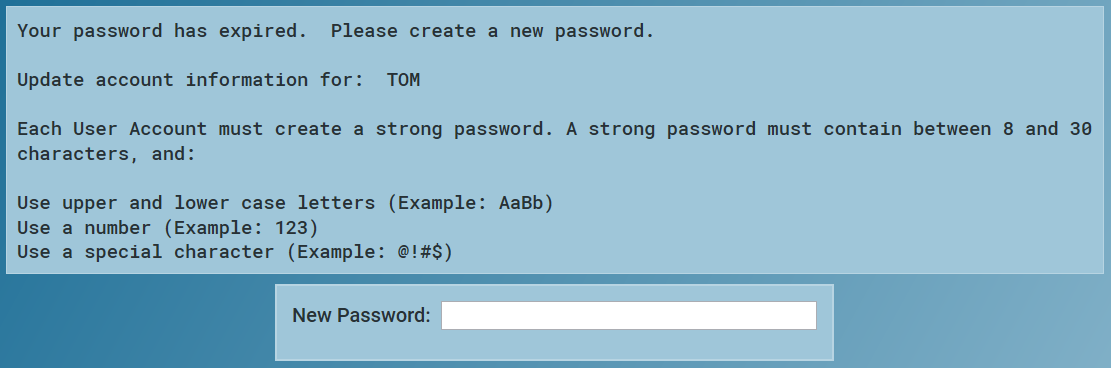
Create a new password, following the on-screen prompts.