Return Notes
Online · Written guide Content date 1 min read
On this page
Preparers can add notes to a tax return for their own use. These notes aren't sent with the return to the IRS; they're strictly internal.
For example, if the preparer adds a Missing Information return tag, they may want to add a note to remind them of what information they still need from the taxpayer. Preparers can either add a return note while in the return or from the office client list. See instructions for both below.
Adding a return note from within a tax return
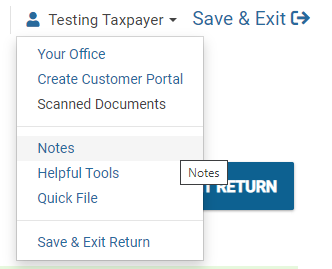
To access previous return notes, or add a new return note, from the main menu of the tax return select the dropdown menu next to the taxpayer's name at the top of the screen, then Notes.
Upon choosing Notes, a window will open to add the note:
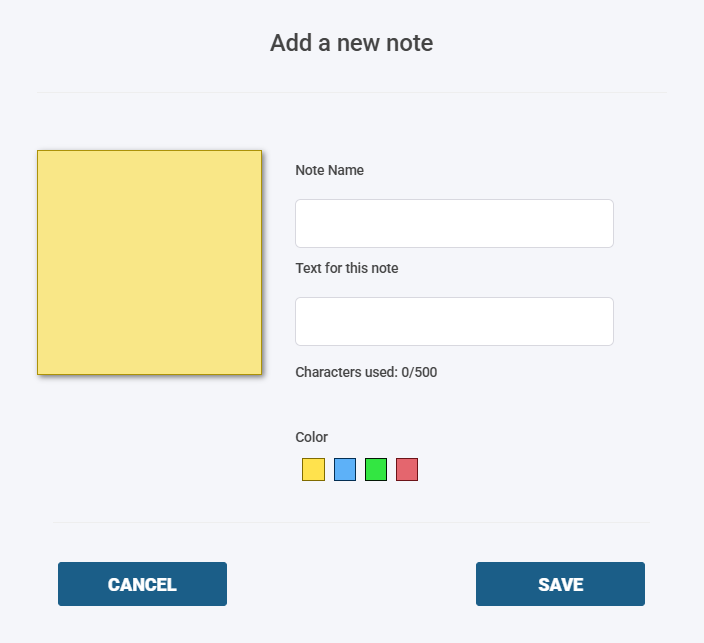
Enter a name and the text for the note in the appropriate fields. When finished, click SAVE.
Adding a return note from the office client list
To access notes, or add a new note from the main client list, locate a taxpayer in the list and click the notes icon:
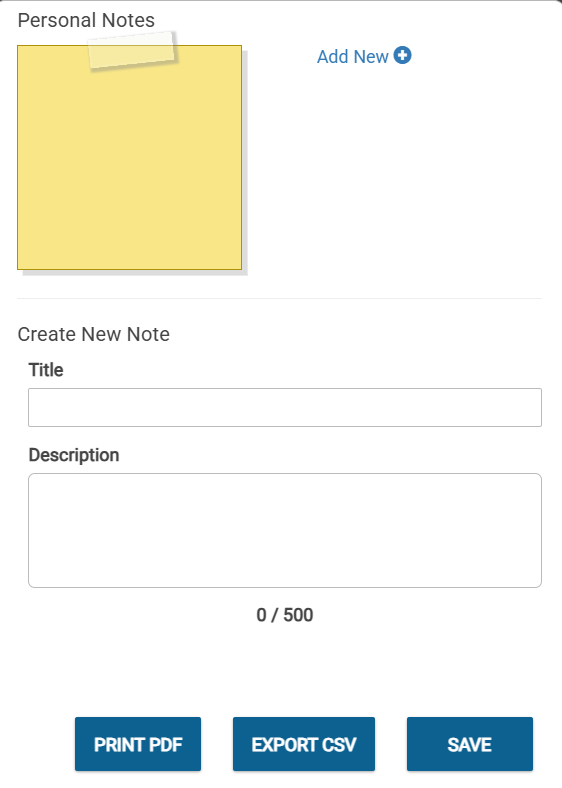
Upon clicking the button, a window will open to add the note: