E-File Process - Submission Page
Online · Written guide Content date 2 min read
On this page
When a preparer has completed a return in Tax Processors Plus Online, they will be navigated through the E-File process to ready the return for electronic filing. The final step in this process is the Submission Page. Here the preparer will review the return information, apply signatures, and mark the return complete and ready for transmission.
Electronic Signatures
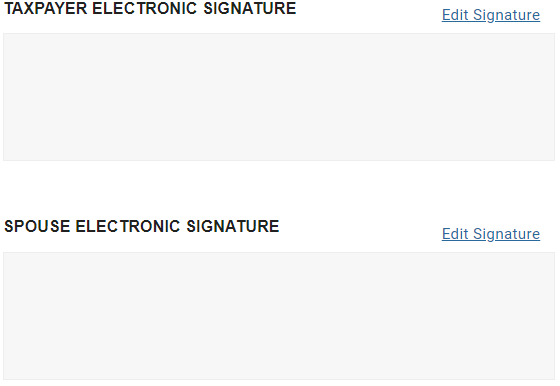
In the first section the taxpayer (and spouse if married filing joint) signature can be applied.
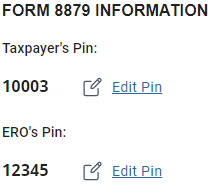
Form 8879 Information
The taxpayer (and spouse) signature PINs will show (autogenerated by the program), and they can be edited if desired.
Preparer Signature
The preparer's signature will pull from their preparer record, otherwise they can sign here.

Referral Information
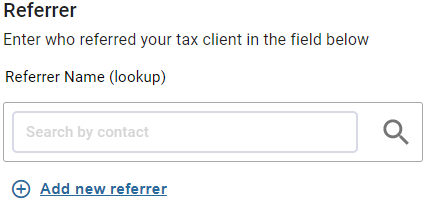
You can keep track of referral information for statistical, planning, and advertising purposes. The entries here are compiled and print in a referral report.
Printing The Return
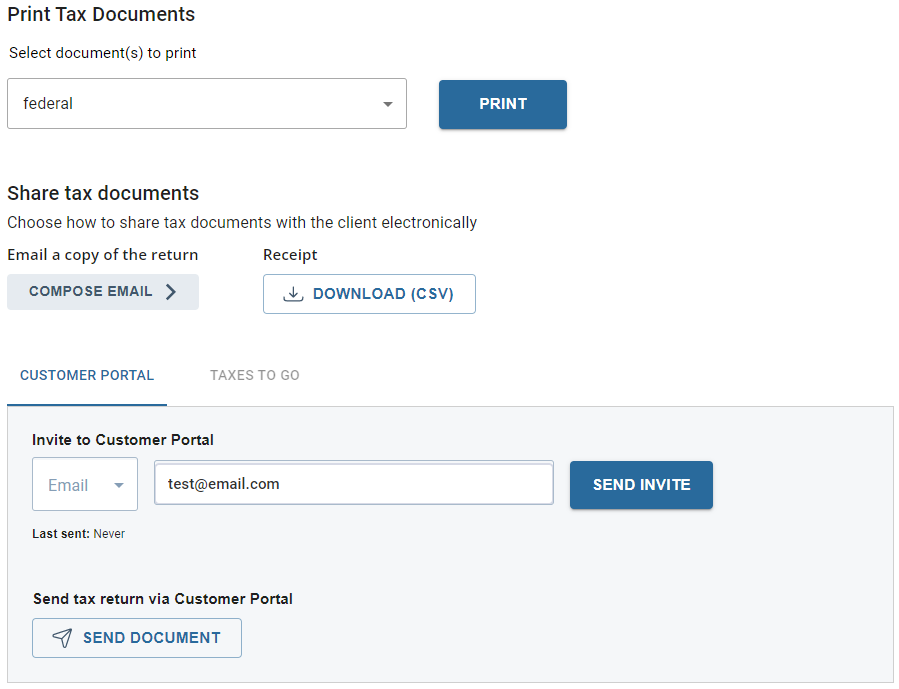
From the Submission page the preparer can print a copy of the return as well as send a copy to the taxpayer via the Customer Portal or the TaxesToGo mobile app if the return was begun that way.
Fees and Invoicing
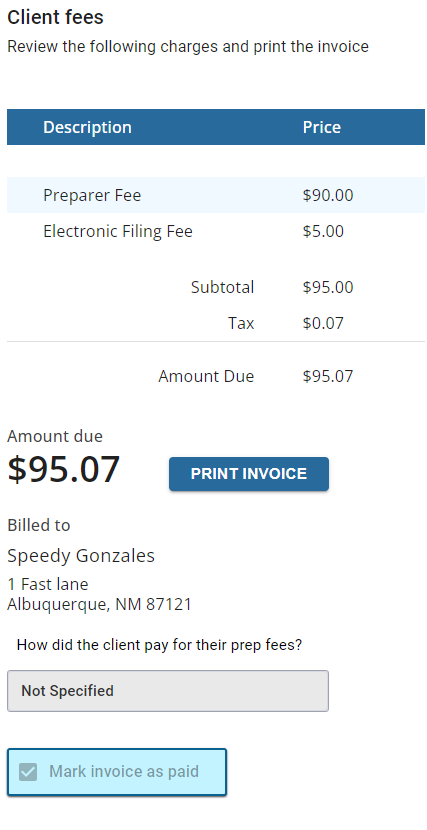
The preparer can then review and print the invoice. If payment has already been made by the taxpayer the invoice can be marked paid.
Return Tags
In the final section, if any return tags have been created in configuration the preparer can select one or more before marking the return complete and transmitting.

Marking The Return for Review
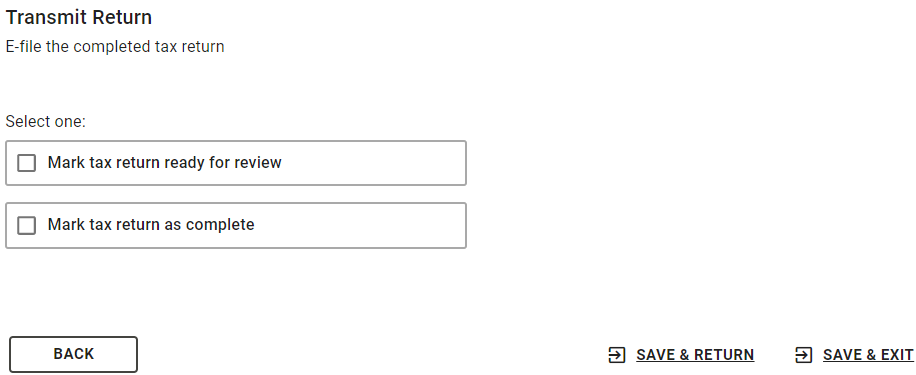
If you're requiring preparers to mark returns for review, they can do that.
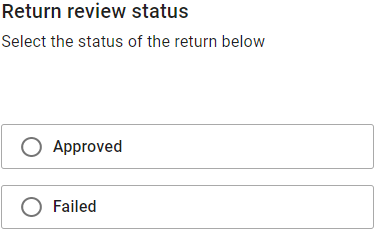
If a preparer has the ability to indicate whether a return needing review is approved or not, they can do that here as well.
Marking The Return Complete and Transmitting
When the return is marked complete, the TRANSMIT RETURN button will appear.
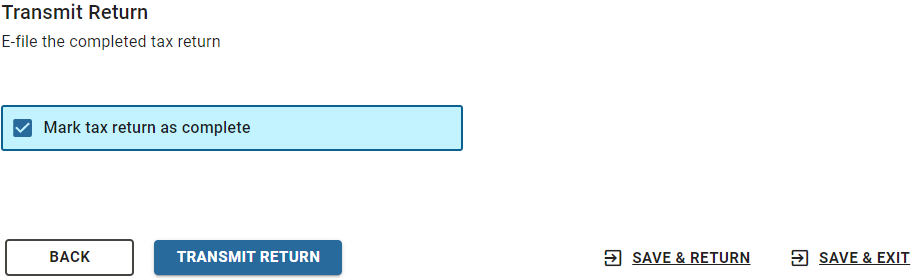
To avoid transmitting a return before it's finished, it's best not to mark the return complete until you're sure it's ready to go.
Additional Information:
E-File Process - Return Details Page
e-File Process - Bank Account Page
E-File Process - State ID License