How to See the Status of a Transmitted Extension
Online · Written guide Content date 1 min read
In Tax Processors Plus Online, you can see the status of an extension you have filed for a client via the Client List.
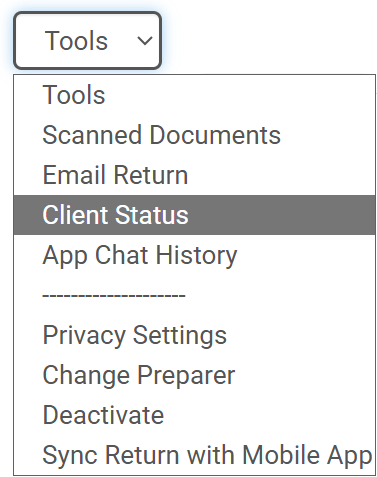
To do this, from the Welcome page select Client Search. Locate the return, click the Tools drop down menu, and select Client Status:
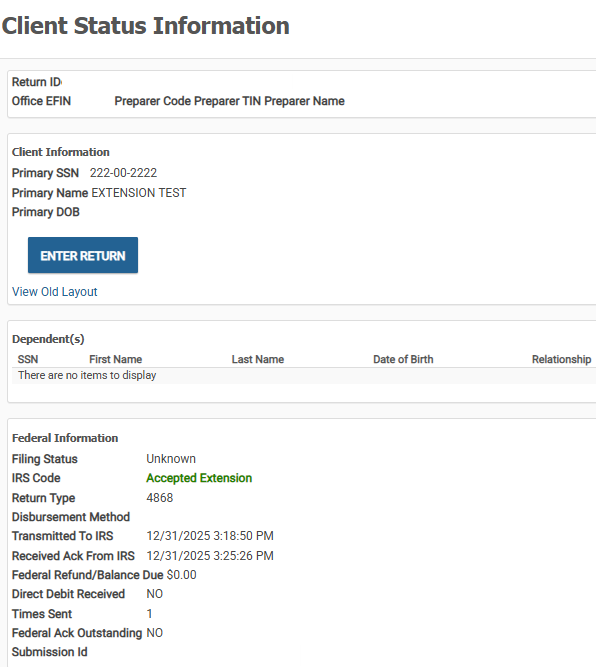
The Client Status Information page will display the Return Type (4868/EXT) as well as the date of transmission to and acceptance by the IRS. If a state extension was also filed this information will be listed below the federal.
If you are trying to provide your client with proof of extension, click here for further information.
Additional Information: