How do I Find My Customer ID?
Account Hub · Written guide Content date 1 min read
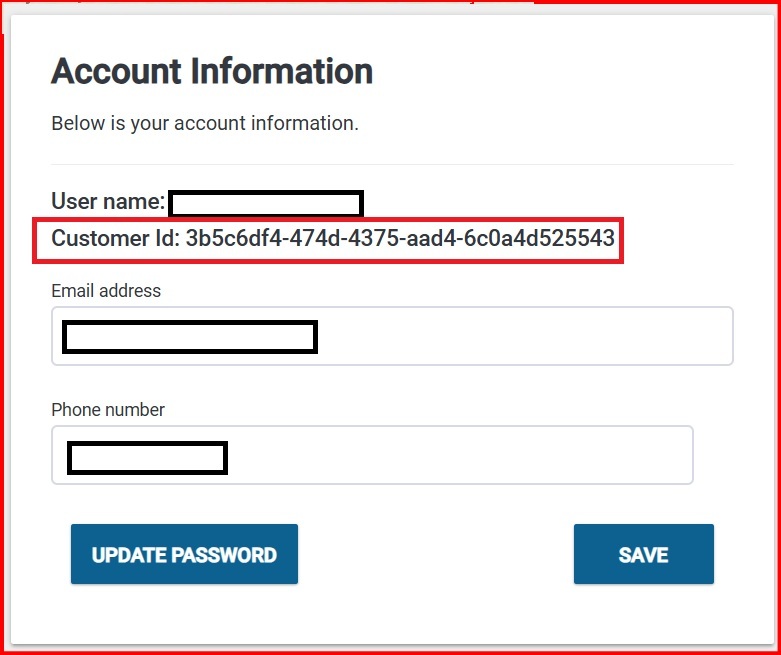
Every Tax Processors Plus office is assigned a Customer ID when they purchase the program. The Customer ID is a unique 32-character alphanumeric code that is used to identify and verify your account within our database.
To locate your Customer ID, sign in to Account Hub.
Once logged in, select Account Information in the left side menu, and look for the "Customer ID" field within the Account Information tile: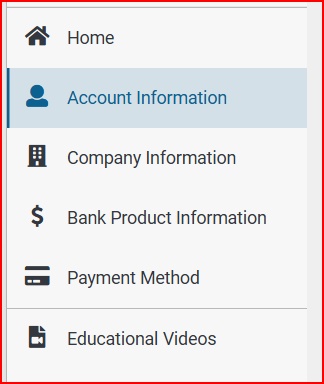
Additional Information:
Related resources