Group Level Features — Menu Options
Online · Written guide Content date 1 min read
On this page
Group scope and search
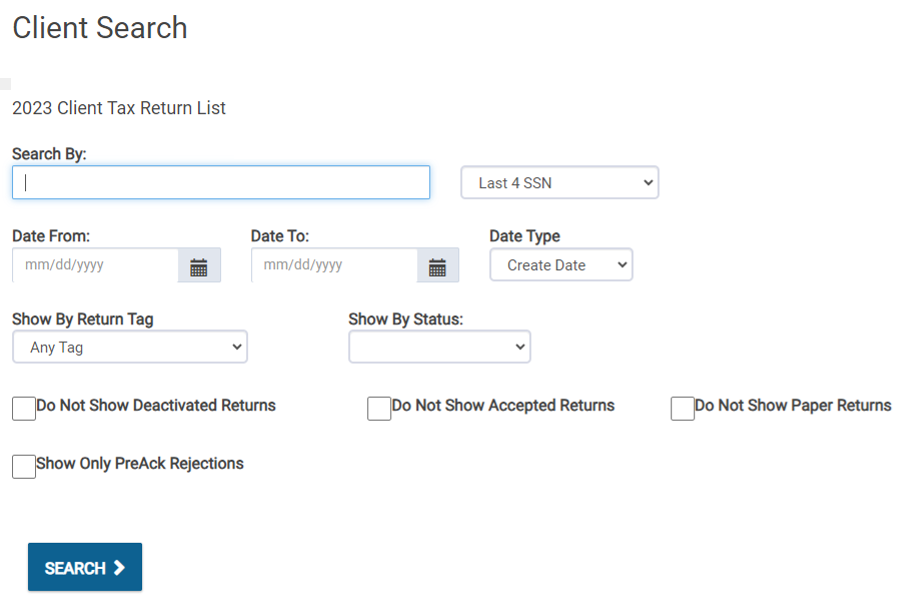
Groups allow one management login to access multiple assigned offices. Client Search, Group Review, and Transmissions work like their company-level equivalents, but show only that group’s offices. Group Client Search uses the non-dynamic search.
Group Configuration
The available options match office-level configuration. A group can assign templates to its own offices, but cannot use company-only Tax Preparation Controls, Ancillary Products, or Custom Sidebar Links.
Manage Offices
- Open Manage Offices from the group login. Only offices assigned to the group are listed.
- Select Access to enter an office’s Welcome page. A group login has full control there unless a Role restricts its access.
Detailed instructions
Menus at the Group Level
In a multi-level Tax Processors Plus Online office, Groups are created to allow one login to access several offices. Commonly, these Groups are used within companies for management logins.
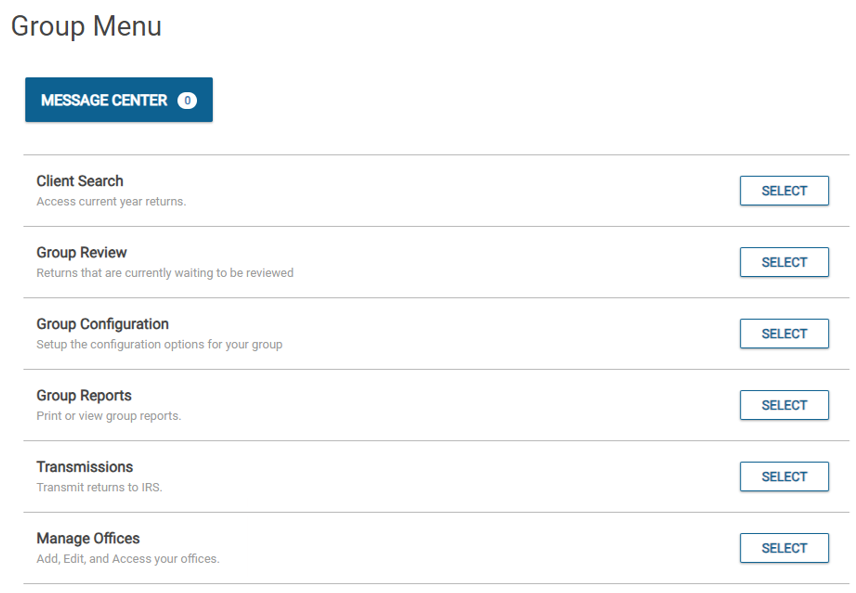
The Client Search, Group Review, and Transmissions menus at the Group Level function the same as they do at the Company Level, however the difference is that these menus only provide results for the offices assigned to that group.
Client Search
Similar to Company Level, Client Search at the Group Level is only available as the non-dynamic search:
Group Configuration
Configuration from the Group Level has all the same options that are available at the Office Level:
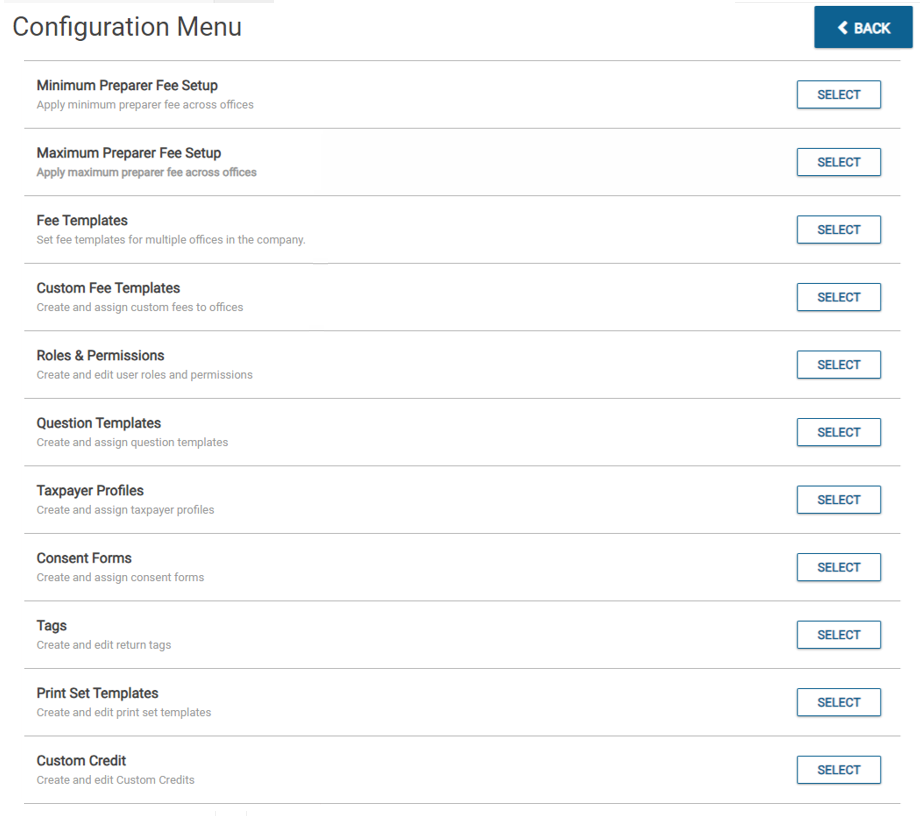
Group Logins can assign configuration templates down to the offices like the Company logins can, however they are restricted to only the offices within their Group.
Group Configuration does not include these company specific features:
- Tax Preparation Controls
- Ancillary Products
- Custom Sidebar Links.
Manage Offices
The Manage Offices menu from the Group Login allows the Group to access and manage the offices within the Group:
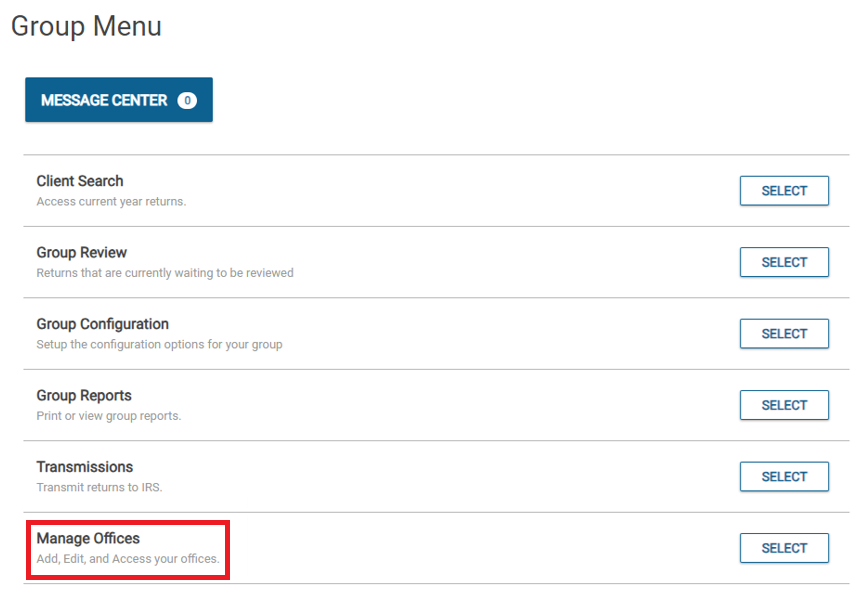
Only the offices that are assigned to the Group will be displayed in this menu for the Group to pass into.
Just like the Company Level, the Group Level can select Access to view the Office Level. Unless the Group Login has a Role restricting them, they will have full control over the offices they access.
Additional Information: