E-File Process - Custom Credits
Online · Written guide Content date 1 min read
Note: The Custom Credits report is used by VITA offices for grant purposes, primarily to capture information about state credits. That said, any Tax Processors Plus Online office can use this report to keep track of certain numerical bits of info in a return, but most offices will find the existing Tax Processors Plus Online reports as well as web reports to be adequate for all their informational needs.
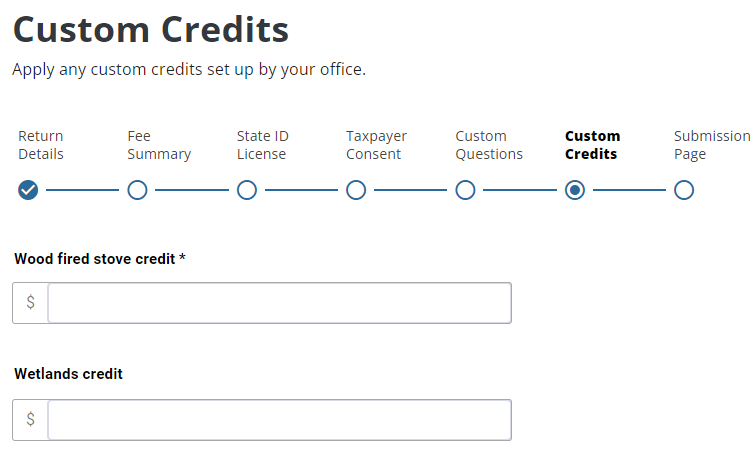
Custom Credits will appear as part of the electronic filing process if a custom credit template has been added in Tax Processors Plus Online configuration. If the credit has been marked required, the preparer will not be able to continue until an amount is entered from $0 on up.
Here are some examples of entries in the Custom Credits menu. The first is titled "Word fired stove credit", and the asterisk indicates an amount is required. The second is titled "Wetlands credit" and entering an amount isn't required:
Additional Information:
E-File Process - Return Details Page
E-File Process - State ID License
E-File Process - Custom Questions